During a talk at BSides Cape Town 2022, Denver, Dev and I explored how Canarytokens can be used beyond traditional file-based traps — specifically for monitoring SOHO networking equipment.
One practical example is detecting failed login attempts on a MikroTik router using a DNS Canarytoken. This post walks through how to set that up.
Canarytokens primarily rely on two alerting mechanisms:
In this setup, we use a DNS Canarytoken as a lightweight detection mechanism.
When a failed login occurs on the MikroTik device, a script triggers a DNS lookup to the Canarytoken domain — generating an alert.
A MikroTik script, scheduler, and logging must be configured.
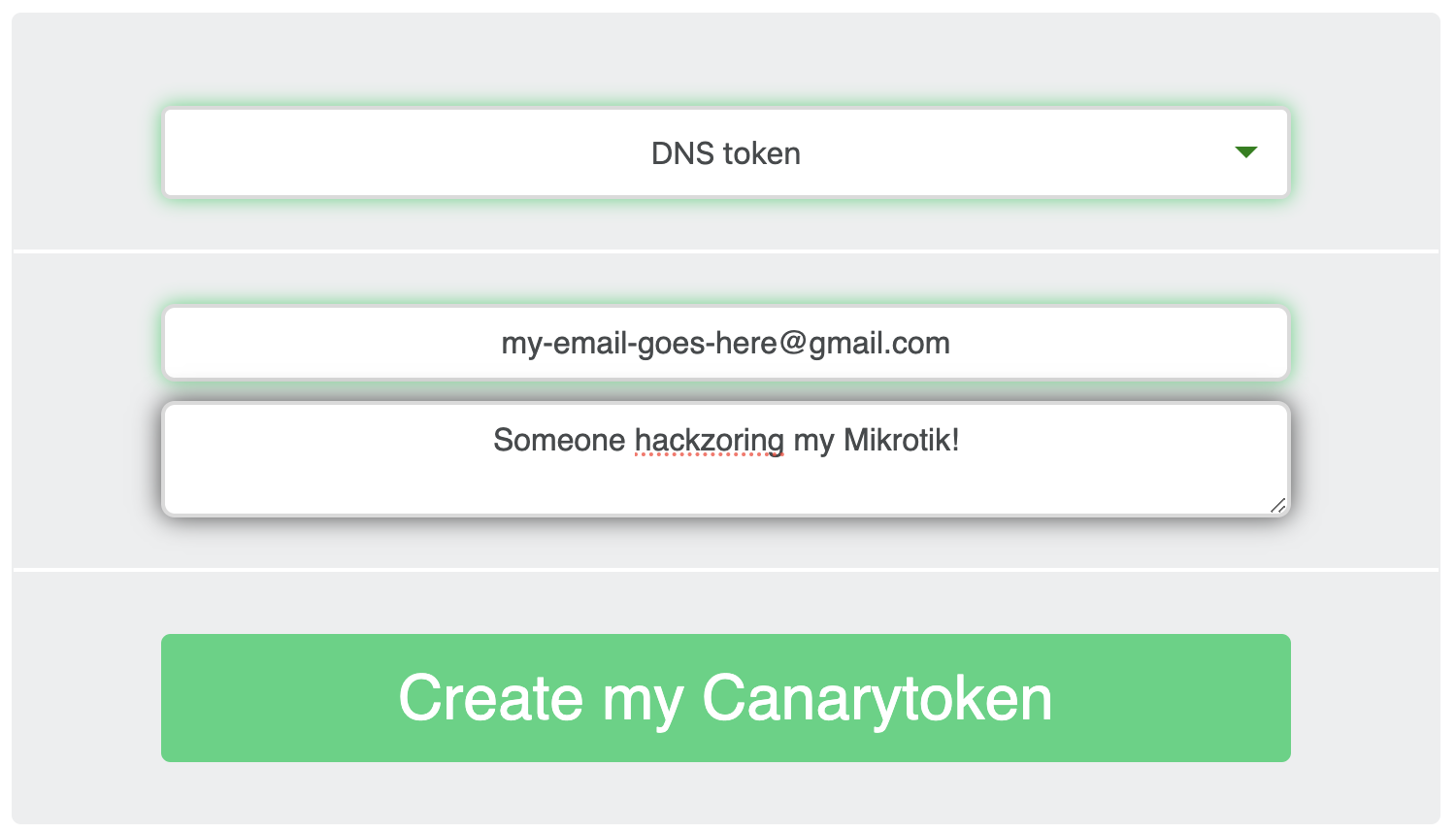
Generate a DNS token from Canarytokens and copy the generated hostname.
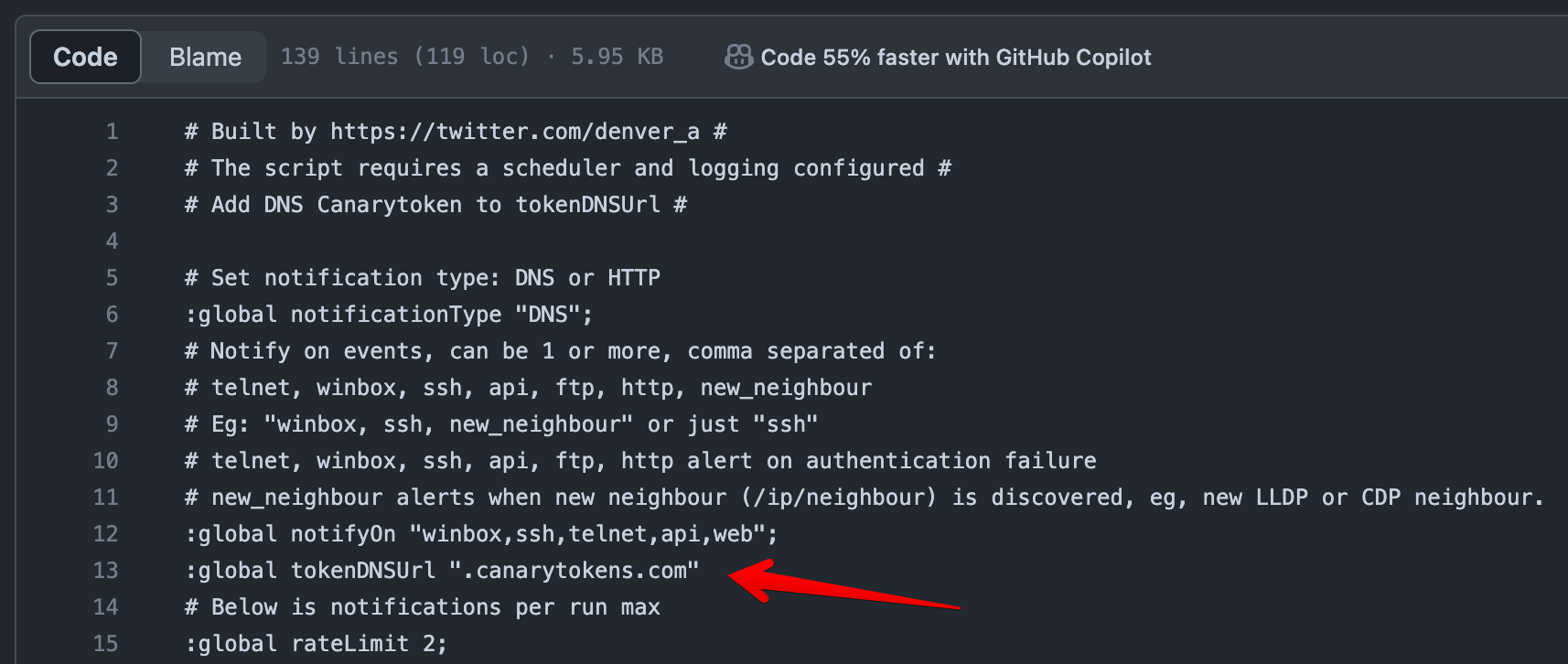
Update the tokenDNSUrl variable in your script:
:local tokenDNSUrl "abc123.canarytokens.com"
Take note of the currentBuf variable — it indicates that a "canary" logging action should trigger the DNS request.

Create a logging action and rule:
/system logging action
add name=canary target=disk
/system logging
add action=canary topics=system,error,critical
Any log entry containing "login failure" will be picked up and used to trigger the alert.
/system scheduler
add interval=5m name=check-failed-login-attempts \
on-event="/system/script/run auth-alert"
/log/print

18:50:44 system,error,critical login failure for user root
18:50:45 system,error,critical login failure for user root
Once triggered, the router performs a DNS lookup to your Canarytoken domain — generating an alert.
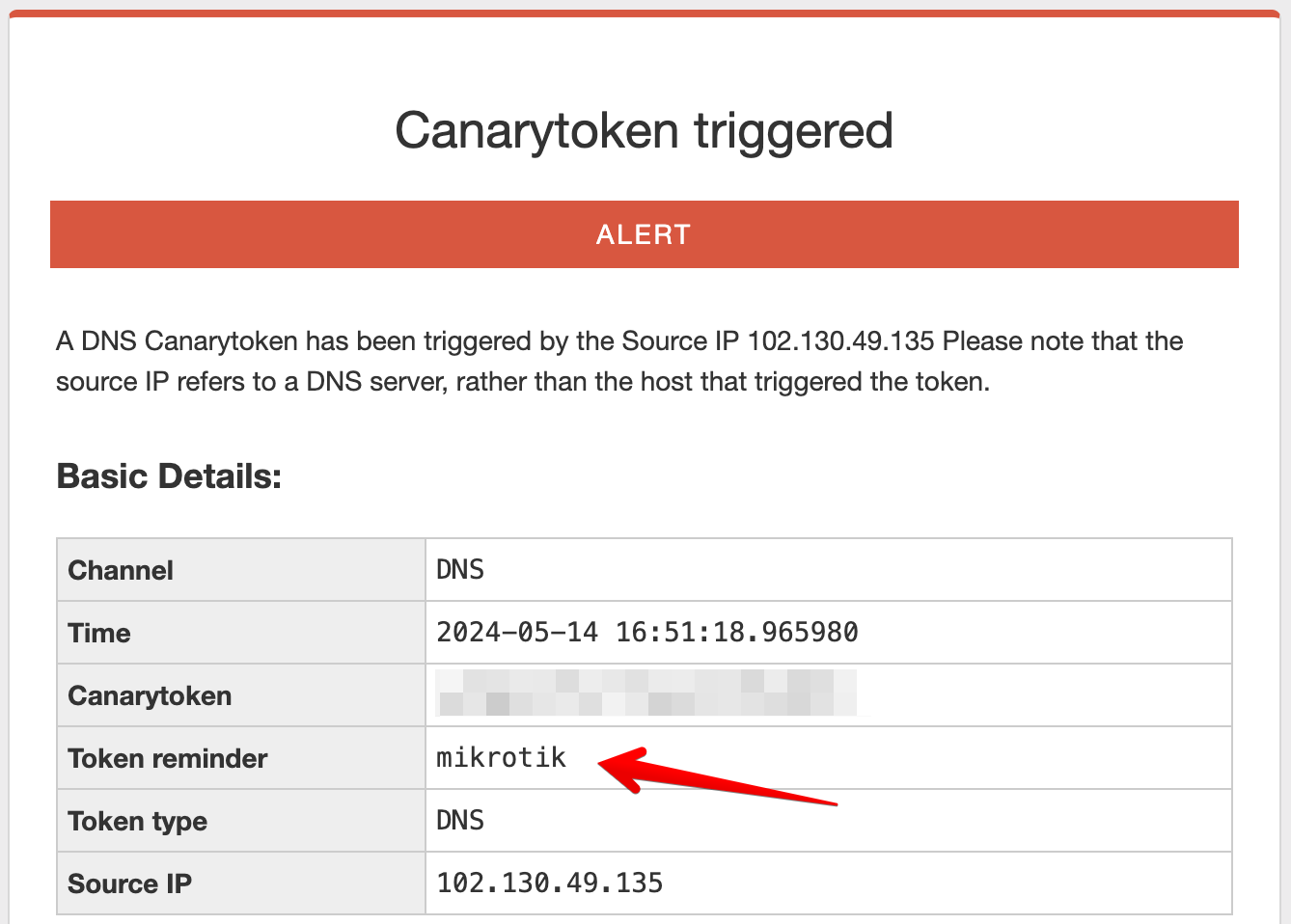
Inspecting the alert reveals useful metadata:
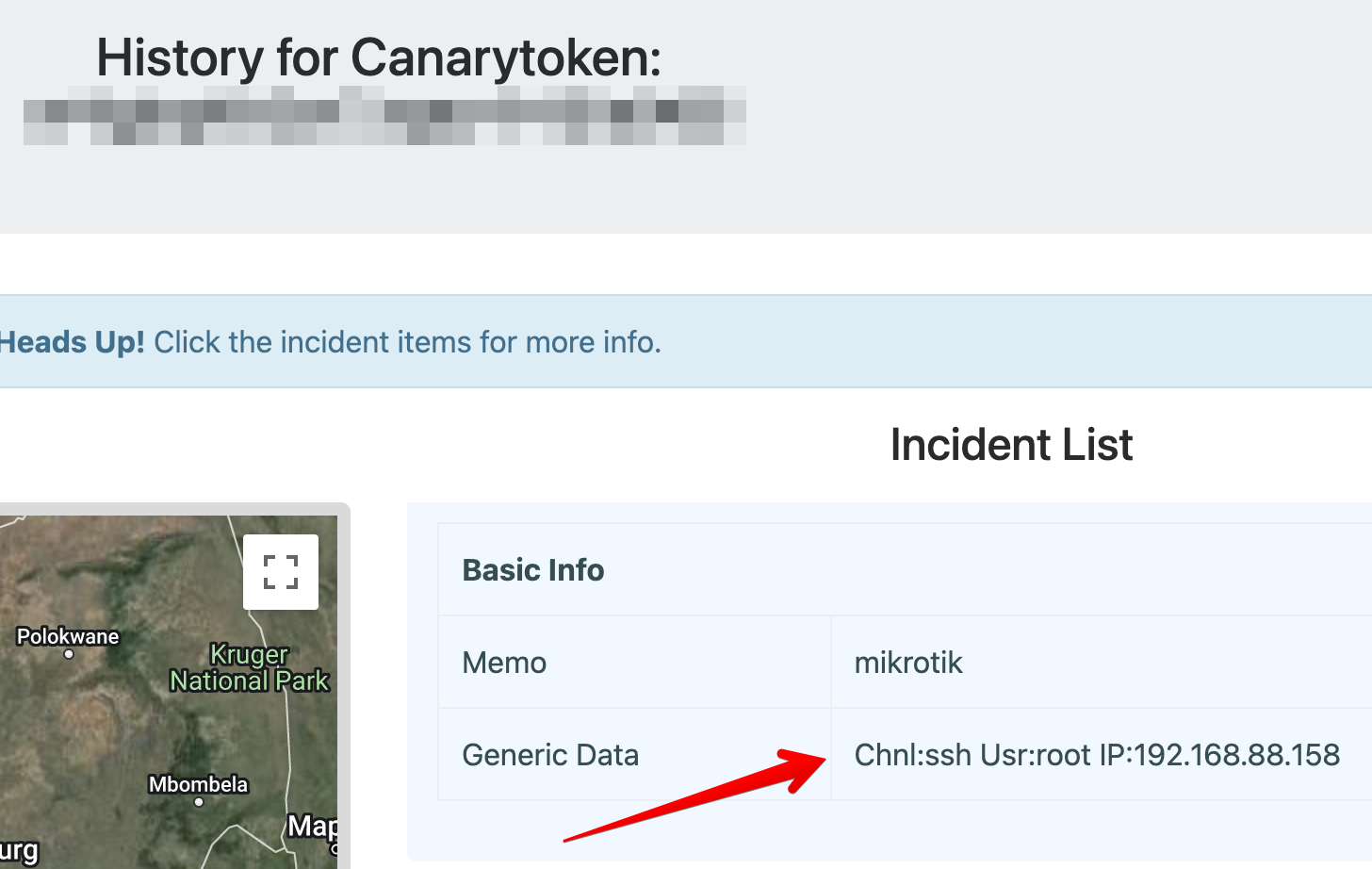
You can embed additional context directly into the DNS request by encoding it into the subdomain.
<encoded_data>.abc123.canarytokens.com
The encoding process is documented here.
Most scripting environments support Base32 encoding — MikroTik RouterOS does not.